LTO Traffic Fine Payment 2026: How to Pay Your Violation Fine Online and at the Office
An LTO traffic fine payment is how you settle a traffic violation issued by the LTO — the step that clears the fine from your record, lifts the alert on your license, and lets you renew your license or registration without problems. If you were apprehended, the clock is already running: under the January 2026 rules, most violations must be settled within 15 working days. This guide explains how to pay online, how to pay at an LTO office, what to bring, what happens if you miss the deadline, and how to contest a ticket you believe is wrong.
What LTO traffic fine payment means
An LTO traffic fine payment settles an administrative fine for a violation recorded by the LTO or its deputized officers — for example, driving without a license or driving an unregistered vehicle. It covers the base fine, plus any late surcharge. The base fine is set by the national fine schedule under Joint Administrative Order No. 2014-01, and the amount due is shown on the LTMS portal or on the office assessment.
Until the fine is settled, the violation stays on your LTO record, your license can sit on alert status, and the unpaid violation can block your next renewal. Payment is commonly treated as an admission, so demerit points may still apply — see our guide to the LTO demerit points system.
This guide covers LTO-issued violations only — an MMDA or local-government ticket has its own payment system, so check who issued yours first.
What happens when you are apprehended
When an LTO officer or a deputized enforcer apprehends you, you are issued a Temporary Operator’s Permit, or TOP — your temporary driving authority for 72 hours. It is not the payment deadline — the settlement window is longer — but the 72-hour limit is strict, so do not drive on an expired TOP.
Under the January 2026 rules, routine confiscation of a license during a standard stop was suspended — in most cases you keep your physical license, placed on alert status instead. Our guide to the LTO Temporary Operator’s Permit explains the 72-hour rule and getting your license back.
Keep the TOP safe — it carries the TVR number and plate number you need to pay, and the original is needed for in-person payment.
The 15-working-day deadline
Most LTO-handled violations must be settled within 15 working days of apprehension, under the January 2026 guidance (DOTr MC No. 2026-001, implemented by LTO MC No. MVL-2026-4846). Working days exclude weekends, holidays, and suspended-work days — usually about three calendar weeks.
| When | What happens |
|---|---|
| Day of apprehension | TOP issued; the 15-working-day window starts |
| Within 5 days | Deadline to file a written contest with TAS |
| 72 hours | TOP is valid for driving — not the payment deadline |
| Within 15 working days | Settle the fine online or at an LTO office |
| After 15 working days | Reported ₱500 penalty may apply; 30-day suspension may follow |
| Beyond 30 days | The fine may grow further; the unpaid violation blocks renewal |
Count from the date printed on your ticket, and settle before the 15th working day if it falls on a closed day. Older apprehensions may follow the rules in effect then — confirm at the adjudication office.
How to pay through the LTMS portal
Paying online is fastest when your violation is already encoded in the system. An LTO traffic fine payment through the portal usually takes only a few minutes, and you get an electronic Official Receipt as proof.
- Log in to the LTMS Portal with your registered email or Client ID and password. If you do not have an LTMS account yet, our LTMS portal guide walks through registration and login.
- Open the Violations section (it may be labelled Pay Violation or Traffic Violation Settlement).
- Enter the TVR number and plate number exactly as printed on your ticket.
- Review the violation details and the amount due, including any surcharge. Check that the violation, date, and plate number match your ticket.
- Choose the payment method shown at checkout, complete the payment, and wait for the confirmation screen.
- Download or save the Official Receipt (OR) as a PDF immediately, and keep a copy.
If your violation does not appear yet, it may not have been encoded — wait a day or two, or settle at the office. Records commonly take minutes to 1–3 business days to update. And never pay through a link sent by text, email, or social media — the LTO has warned about fake violation messages demanding payment through a personal GCash QR code.

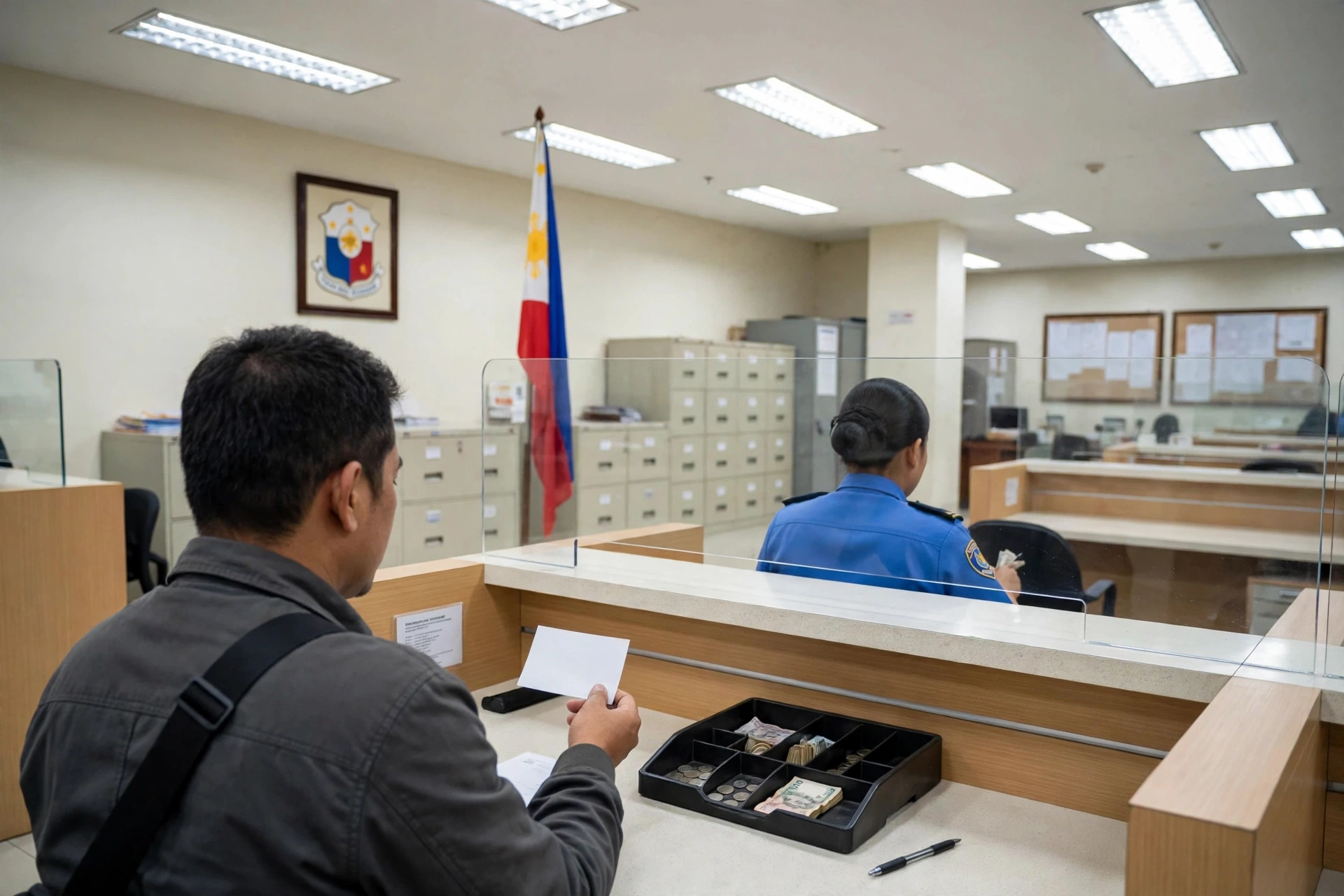
How to pay at the LTO office
If you prefer to pay in person, or if your violation is not showing on the portal, go to the office handling your case — usually the adjudication office named on your ticket. Confirm it before you travel.
- Bring the documents listed in the table below.
- At the violations or adjudication counter, present your ticket and get an assessment showing the fine and any surcharge.
- Check the assessment against your ticket.
- Pay at the cashier and take your Official Receipt. Check the receipt before you leave the counter.
- If your license was held, ask at the same visit what is needed for its release.
| What to bring | Notes |
|---|---|
| TOP or ticket (original) | Carries the TVR number and violation details |
| Valid government-issued ID | Confirms your identity |
| Driver’s license (if not held) | Bring it even if on alert status |
| OR and CR | Needed if the violation involves the vehicle |
| Payment (cash, card, or e-wallet) | Confirm accepted methods first |
| Authorization letter + representative’s ID | Only if someone else settles for you |
Paying at the office commonly takes around 30–45 minutes of queueing, but you get an immediate Official Receipt.
Payment methods compared
The methods available depend on the channel — online, you can only use the options shown at checkout, which can vary.
| Method | Where it works | Notes |
|---|---|---|
| GCash | LTMS portal checkout | Commonly available |
| Maya | LTMS portal checkout | Commonly available |
| Credit or debit card | LTMS portal checkout | Commonly available |
| LandBank LinkBizPortal | LTMS portal checkout | Government payment facility |
| Cash at the cashier | LTO office | Immediate Official Receipt |
| Bayad Center | Authorized branches | Reported ₱15 service fee |
The LTO clarified in 2026 that its services are not limited to online payment only — use whichever channel you can reach before the deadline. Pay only through official channels and keep the Official Receipt until the violation clears.
How your fine is computed
Your total is the base fine plus any surcharge. The base fine comes from the national fine schedule under Joint Administrative Order No. 2014-01, which the LTO still refers to in its 2026 settlement guidance. For the amount of each violation, see our guide to LTO traffic violations and fines — this guide does not repeat that table.
A surcharge applies after the 15-working-day window: a ₱500 penalty is commonly reported, and delays beyond 30 days are reported to increase the fine by 25% or more in some cases. Those figures are not confirmed on an official LTO fee schedule, so treat the amount on the portal or the office assessment as final.
What happens if you miss the deadline
Missing the deadline does not make the fine go away. Under the 2026 guidance, failure to settle may trigger an automatic 30-day suspension or revocation consequence for your license, on top of the fine and any surcharge. The unpaid violation stays on your record and can block your next license and registration renewal until it is settled.
Driving while suspended is a separate violation, and driving on an expired TOP is one too — one missed deadline can turn one ticket into several. If your deadline has passed, settle as soon as possible: every delay can add to the amount due. If a suspension has already been imposed, ask the adjudication office what is required to lift it.
How to contest a violation
If you believe the violation was issued in error — the wrong plate, the wrong driver, or a rule you did not break — you can contest it instead of paying. Act quickly: the payment and contest windows run at the same time.
File a written protest (position paper) with the Traffic Adjudication Service (TAS) within five days of apprehension. For Metro Manila cases, file directly with the Central Office TAS in Quezon City; elsewhere, file with the district office of the region concerned. The receiving office is usually identified on your ticket — confirm it there.
The TAS must resolve contested cases within five days of receiving your protest. The outcomes are dismissal — the violation is cleared and any confiscated license or plates are returned without payment — or the violation being upheld, in which case the fine must be paid and demerit points are applied. If you disagree, you can appeal; confirm the appeal period with TAS, as reported periods differ.
Do not pay first if you plan to contest: payment is commonly treated as an admission. Do not wait until the payment deadline either — by then the five-day window will have passed. If the window has already expired, the rules are reported to allow a Motion to Accept Late Filing of Contest — acceptance is not automatic.
Getting your license back after payment
If your license was held, paying the fine is only half of getting it back — you must also collect it from the office that holds it. Before release, you must present the TAS Resolution, or the Official Receipt if the violation was admitted, plus proof of payment. Bring your TOP or ticket and a valid ID, and confirm the exact requirements with the holding office first.
If your contest succeeded, the license is returned without payment of fines — bring the TAS Resolution showing the dismissal. After collection, check your LTMS record to confirm the violation is cleared; if it still shows a few days after payment, go back to the office with your Official Receipt and ask them to clear it.
Checking your violation record on LTMS
Log in to the LTMS portal and open the Violations section of your dashboard, where unsettled violations are listed with the violation, date, and amount due — the same section where you settle them online.
Check your record before any license or registration renewal — an unsettled violation blocks both. If a violation you do not recognize appears, or one you paid still shows as unsettled, do not pay it again online: take your Official Receipt to the adjudication office and ask them to correct the record.
Common mistakes that make things worse
- Paying a fixer or a fake link. No person or page can clear your violation faster.
- Ignoring the TOP. Losing it means a trip to the office to recover your TVR number.
- Waiting until renewal. By then the surcharge has grown, a suspension may apply, and the renewal is blocked.
- Paying without checking the amount. Review the details and total first — a wrong plate number or violation code should be questioned at the office, not paid.
- Contesting after paying. Payment is commonly treated as an admission, so decide first: pay, or contest within five days.
- Losing the Official Receipt. Save the portal PDF and keep the paper receipt until the violation disappears from your LTMS record.
- Driving while suspended. Do not drive until the adjudication office confirms the suspension is lifted.
Frequently asked questions about paying your LTO fine
1. How do I make an LTO traffic fine payment?
An LTO traffic fine payment is made online through the LTMS portal or in person at an LTO office. Online, log in to portal.lto.gov.ph, open the Violations section, enter your TVR and plate numbers, review the amount due, and save the Official Receipt. In person, bring your ticket, a valid ID, and payment to the office named on your ticket.
2. How many days do I have to pay an LTO traffic fine?
Most LTO-handled violations must be settled within 15 working days of apprehension, under the January 2026 guidance (DOTr MC No. 2026-001 and LTO MC No. MVL-2026-4846). Working days exclude weekends, holidays, and suspended-work days; the TOP is only valid for driving for 72 hours.
3. Can I pay my LTO fine with GCash?
Yes — GCash is commonly available at checkout on the LTMS portal, along with Maya, cards, and LandBank LinkBizPortal. Never pay through a GCash QR code sent by text or social media — the LTO has warned about fake violation messages.
4. What happens if I do not pay my LTO fine on time?
A ₱500 penalty beyond the window is commonly reported, and the fine may grow further after 30 days. Under the 2026 guidance, failure to settle may also trigger an automatic 30-day suspension, and the unpaid violation can block your next renewal.
5. How do I contest an LTO traffic violation?
File a written protest (position paper) with the Traffic Adjudication Service within five days of apprehension — at the Central Office TAS in Quezon City for Metro Manila cases, or through the district office of the region concerned elsewhere. The TAS must resolve it within five days. Do not pay first — payment is commonly treated as an admission.
6. How do I get my license back after paying the fine?
If your license was held, present the Official Receipt and proof of payment — or the TAS Resolution if you contested — at the office that holds it, with your ticket and a valid ID. If your contest succeeded, the license is returned without payment of fines.
An LTO traffic fine payment is a small chore that prevents a much bigger problem: pay within 15 working days online or at the LTO office, keep your Official Receipt until the violation clears, and never pay through a link or a person who is not the LTO. If the ticket is wrong, contest it in writing within five days — and if your deadline has passed, settle as soon as you can.