LTO Appointment Booking 2026: How to Book, Reschedule, and Cancel Your Slot Online
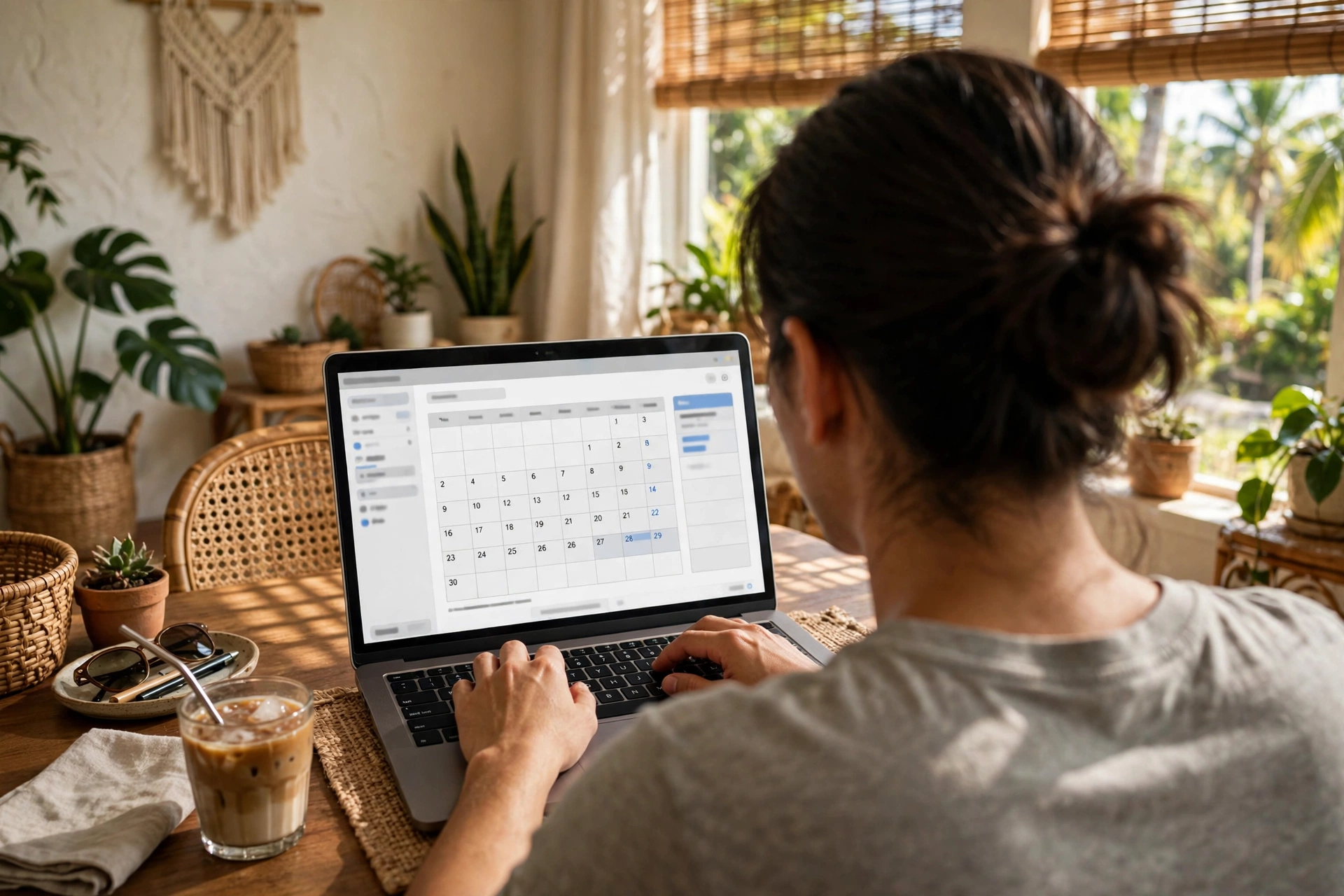
LTO appointment booking is how you reserve your slot at an LTO office before you go, through the official LTMS Portal. Instead of arriving early and joining a long walk-in queue, you pick your branch, date, and time online, and you arrive at the office at the time you chose. Booking itself is free — you only pay the fees for your actual transaction, on your appointment day. This guide covers the whole process: what you need before you book, the booking steps, when new slots open, what to bring, and how to reschedule or cancel if your plans change.
The short version: log in to the LTMS Portal, choose Licensing or Vehicle Registration, accept the Terms of Use, pick your transaction type and branch, choose a date and time slot, review the fees shown, and confirm. Save or print the confirmation or reference code the portal gives you, and bring it with your original documents and a valid ID on the day.
LTO appointment booking: what it is and why you need one
LTO appointment booking is the online reservation system for LTO counter transactions. You book a date and time through the LTMS Portal, and the office expects you at that time. It replaces the old habit of arriving at dawn to secure a place in line, and it lets the office spread visitors across the day instead of crowding everyone into the morning.
You can book for most counter transactions shown in the portal, including license renewal, student permit, new license, registration renewal, change of name or records, duplicate license, and additional restriction code. If your transaction appears in the portal’s list, you can book for it. If it does not appear, confirm at your branch whether it is handled online or only at the counter.
Booking does not finish your transaction. It only reserves your slot. You still need to visit the office in person for biometrics, photo capture, the medical exam where required, written or practical exams, and verification of your original documents. Think of the appointment as your place in line, booked in advance — the work itself still happens at the counter.
What you need before you book an LTO appointment
Gather these before you open the portal, so the booking takes a few minutes instead of stalling halfway through.
| What you need | Why it matters |
|---|---|
| An active LTMS account | You cannot book without logging in; new users must register first |
| Your 15-digit LTO Client Number | The portal uses it to identify you and pull up your records |
| A working email address and mobile number | Used for account verification and for receiving your confirmation |
| The transaction you need | Know whether it is a renewal, student permit, new license, registration renewal, or another transaction |
| Your preferred LTO branch | Choose the office you can actually reach on the day; check the LTO branch directory if you are unsure which office to pick |
| Your documents ready | Have your originals at hand so you can confirm details while booking |
If you do not have an LTMS account yet, register first. Registration asks for your email address and a password, followed by email verification. The full walkthrough is in our LTMS portal guide — read that first if you are new to the portal, because this article does not re-teach registration in full. Once your account is active and you know your 15-digit LTO Client Number, you are ready to book.
Decide your transaction type before you start. The portal asks you to choose it early, and picking the wrong one means starting over. If you are renewing a license, check the driver’s license renewal requirements first. If you are applying for a student permit, read the student permit requirements before booking, so you arrive with the right papers.
How to book your LTO appointment step by step
The booking flow follows the same steps for most transactions. The exact labels on the screen may vary slightly as the portal is updated, but the order stays the same.
| Step | What to do |
|---|---|
| 1. Log in | Open the LTMS Portal and sign in with your LTMS account |
| 2. Choose your service | Select Licensing for license transactions, or Vehicle Registration for registration transactions |
| 3. Accept the Terms of Use | Read and accept the LTMS Terms of Use shown on screen |
| 4. Choose the transaction type | Pick your transaction — renewal, student permit, new license, registration renewal, change of name, duplicate license, restriction code, or another listed transaction |
| 5. Choose your branch | Select the LTO office where you will go in person |
| 6. Pick a date | Choose an available date from the calendar shown |
| 7. Pick a time slot | Choose an available time slot on that date |
| 8. Review the fees | Check the fees the portal shows for your transaction |
| 9. Confirm | Confirm the booking and note your confirmation or reference code |
| 10. Save your confirmation | Save, print, or screenshot the confirmation or reference code — you will need it on the day |
After confirming, do not close the page until you have saved the confirmation. The reference code is your proof of booking, and the office may ask for it before they serve you. A screenshot on your phone is usually enough, but a printed copy is a safe backup if your phone battery dies or the signal is weak at the office. If the portal shows no available dates at your chosen branch, try another nearby branch, or check again when new slots are released — the next section explains when that usually happens.
When do new LTO appointment slots open?
New slots are commonly reported to release every Monday at 12:00 AM Philippine time, covering the next 7 days only. Under that pattern, you cannot book more than 7 days ahead — the calendar simply does not show dates beyond the coming week. This timing was reported by two independent 2026 guides and was not verified against an official LTO page, so treat it as a guide rather than a guarantee: check the portal itself to see which dates are actually open.
In practice, the best time to look is early on a Monday morning, just after midnight. Popular branches and popular days fill up fast, so if you need a specific date, check as soon as the new slots are released. If Monday morning does not work, check again later in the week — cancelled slots sometimes reappear when other people reschedule. If you keep seeing no dates at your branch, consider a less busy branch nearby, or a weekday instead of a Monday or Friday, and confirm the branch’s schedule with the office itself if the portal keeps showing nothing.
Time slots and payment options
Time slots are commonly reported as 30-minute or 1-hour windows, roughly from 8:00 AM to 4:00 PM, Monday to Friday. That pattern was not confirmed against an official LTO page, and the actual hours vary by branch — some offices open earlier or close later, and some run fewer slots on certain days. The portal only shows the slots your chosen branch actually offers, so trust what you see on screen over any general timetable in a guide.
Online payment options commonly reported for LTMS transactions include GCash, Maya, BPI Online, UnionBank Online, and credit or debit card. A ₱65 e-payment convenience fee is also commonly reported on top of the LTO fees when you pay online. Neither the payment list nor the ₱65 figure was confirmed against an official LTO page, so confirm the options and fee shown in the portal before you pay — the amount displayed at checkout is the amount that applies.
You do not have to pay online to keep your booking. In most cases you can pay the transaction fees at the office on your appointment day. If you do pay online, keep the payment receipt with your confirmation code, and bring both on the day.
What to bring on your appointment day
Your booking reserves the slot; what you carry into the office decides whether the visit succeeds. Bring your appointment confirmation or reference code (printed or on your phone), all original documents for your transaction, a valid ID, and payment for the transaction fees if you have not already paid online.
Arrive early, or at least on time. An appointment gives you a time window, not an all-day pass, and arriving late can mean losing your slot and booking again. Aim to be at the office a little before your time, with your documents already organised in a folder so you are not searching through a bag at the counter.
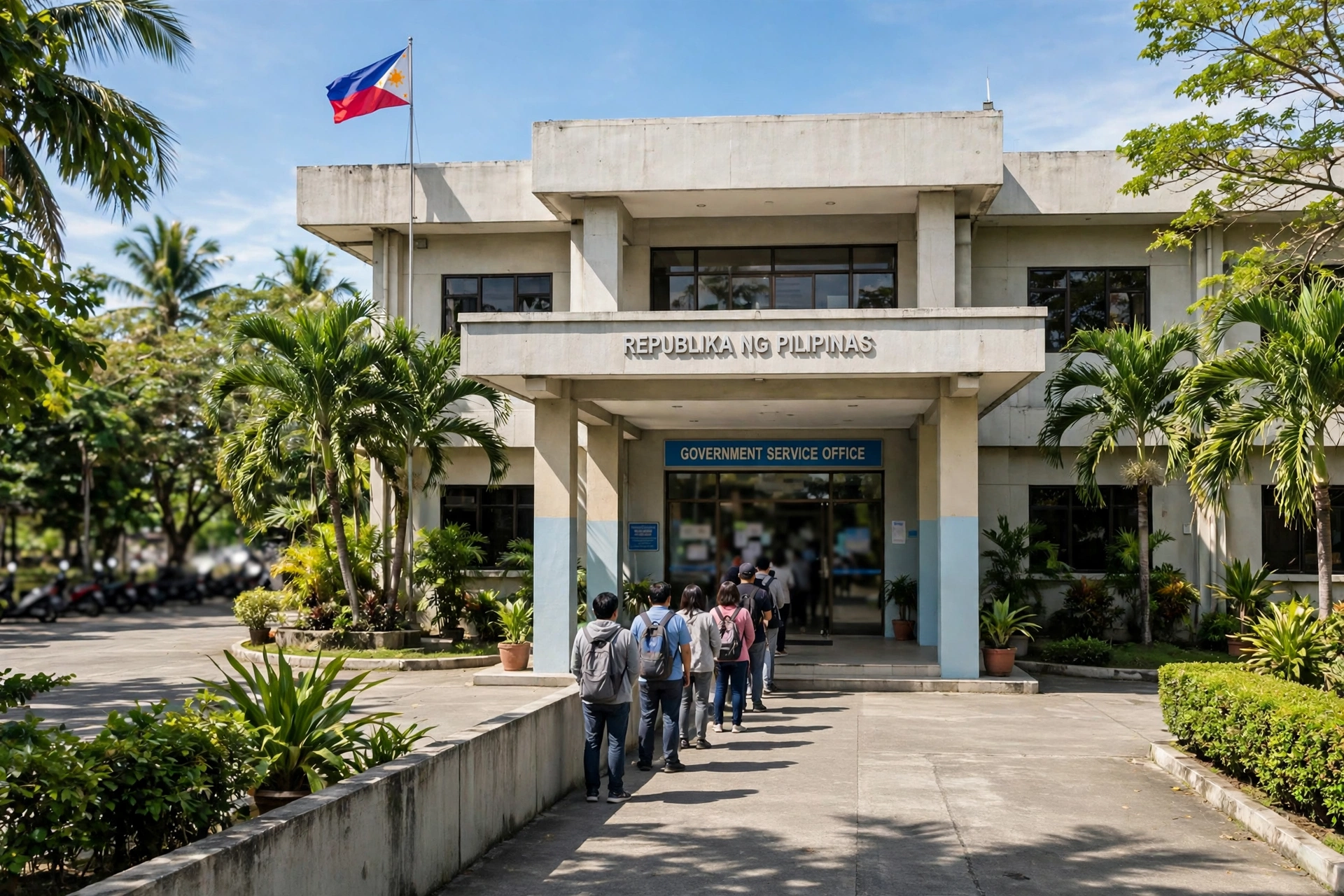
Even with an appointment, the in-person visit is still needed for biometrics, photo capture, the medical exam where required, written or practical exams, and verification of your original documents. Booking online does not finish the transaction, and no part of the exam or biometric process can be done from home. Allow time for queuing, the exam or medical where it applies, and payment at the cashier.
How to reschedule, cancel, or rebook a missed LTO appointment
Plans change, and the portal lets you change your booking. Use your confirmation or reference code to manage the appointment online, before your slot time.
| Situation | What to do |
|---|---|
| You need a different date or time | Reschedule through the portal using your confirmation or reference code, before your slot |
| You no longer need the appointment | Cancel through the portal using your confirmation or reference code, before your slot |
| You missed your slot | Book a new appointment through the portal; the missed slot cannot be reused |
| You lost your reference code | Log in to your LTMS account and check your appointment records, or confirm with your branch |
No fixed reschedule deadline is stated here, because none was confirmed — reschedule as early as you can, and do not leave it until after your slot has passed. Once the slot time is gone, the booking is spent, and the only way forward is a new booking. Cancelling a slot you will not use is good practice: it frees the time for someone else, and it keeps your account record clean. If the portal will not let you reschedule or cancel — for example, if the option is greyed out close to the appointment time — contact your branch directly and ask what they can do.
Walk-ins vs appointments: can you still walk in?
Walk-in service is commonly reported to have ended at most Metro Manila LTO offices in 2024, with booking now the default or mandatory path for most counter transactions. Some offices outside Metro Manila may still accept limited walk-ins. That picture comes from guides rather than an official LTO announcement, so it was not verified against an official page — confirm with your branch before you travel without a booking.
The safe approach is simple: always book first. If your branch still accepts walk-ins, a booking costs you nothing and still gets you served at your chosen time. If it does not, arriving without one can mean being turned away after a wasted trip.
Frequently asked questions about LTO appointment booking
Is LTO appointment booking free?
Yes. Booking itself is free — there is no charge for reserving a slot through the LTMS Portal. You only pay the fees for your actual transaction, on your appointment day or through the portal’s online payment options where available.
Do I need an LTMS account to book an appointment?
Yes. You need an active LTMS account and your 15-digit LTO Client Number to book. New users register first with an email address and password, followed by email verification.
How far ahead can I book an LTO appointment?
New slots are commonly reported to release every Monday at 12:00 AM Philippine time and cover the next 7 days only, so you generally cannot book more than 7 days ahead. That pattern was reported by 2026 guides and not verified against an official LTO page — check the portal for the dates actually open.
Can I still walk in without an appointment?
Walk-in service is commonly reported to have ended at most Metro Manila LTO offices in 2024, with booking now the default or mandatory path for most counter transactions, while some offices outside Metro Manila may still accept limited walk-ins. Confirm with your branch before travelling without a booking — booking first is the safe approach either way.
How do I reschedule or cancel my appointment?
Reschedule or cancel through the portal using your confirmation or reference code, before your slot. If you miss your slot, book a new one — the missed slot cannot be reused.
Does booking online mean I do not need to visit the LTO?
No. Even with an appointment, you still need to visit in person for biometrics, photo capture, the medical exam where required, written or practical exams, and verification of your original documents. Booking online reserves your slot; it does not finish the transaction.
LTO appointment booking takes a few minutes online and saves you the long queue at the office, as long as you book early, save your confirmation code, and arrive with your original documents and a valid ID. Book through the official LTMS Portal only, check the portal itself for the dates and times actually open, and confirm anything uncertain with your branch before you travel. A little preparation before you click “confirm” is what turns an appointment into a finished transaction in one visit.